Fleet digitalization. Guides & how-tos.
Wialon API Error Codes, in Plain English
What Wialon's API error codes actually mean — 1, 4, 7, 1003 and the rest — which ones are your fault, which are limits, and what to do about each.

How to Create a Wialon API Token
A Wialon API token is how an app reads your fleet without your password. Here is how to issue one, which access level to give it, and how to revoke it.

Wialon Eco-Driving: From Criteria to a Usable Score
Wialon detects harsh braking, acceleration and speeding. Turning those violations into a driver score people accept takes a few decisions — here they are.
Wialon Fuel Reports: Reading the Numbers Right
Wialon can calculate fuel three different ways and they rarely agree. What each method measures, what filtration does to it, and how to sanity-check a report.
Wialon Service Intervals and a Log That Lasts
Wialon tracks service intervals by mileage, engine hours and days. Here is what it does well, where fleets outgrow it, and how to keep the maintenance history.
Wialon Fleet Data Check
Before you build a Wialon dashboard, check what each unit sends. FleetTAB's Events view shows every vehicle's data coverage — trips, fuel, sensors, eco-driving.
Wialon Fleet Utilization
FleetTAB's Utilization report scores each Wialon vehicle against your operating window and daily target — by time, mileage, or both. Spot unused vehicles fast.
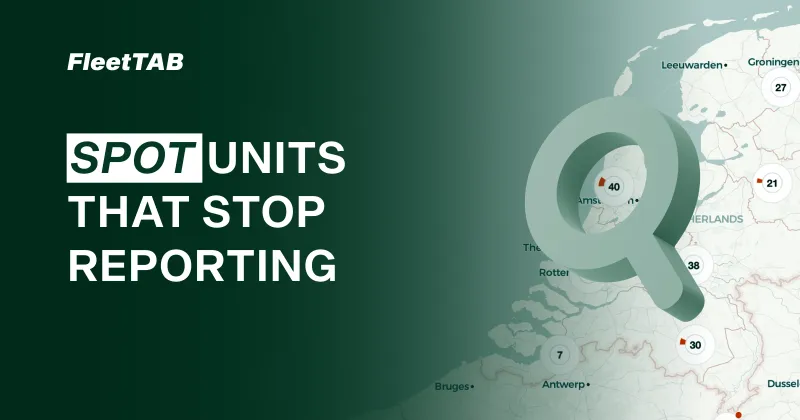
A Live Wialon Fleet Map
FleetTAB plots every Wialon unit on one live map and colors them by connection status or satellites — so units and regions that aren't reporting stand out fast.
Wialon Fleet in One Table
FleetTAB shows every Wialon unit's latest data in one table — position, odometer, and every sensor's last valid reading. Spot outliers and bad setups fast.
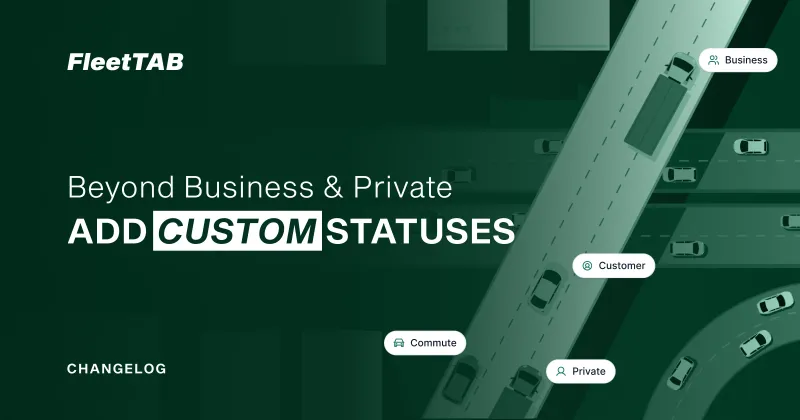
Custom Trip Statuses for Wialon
FleetTAB Trips lets you create your own Wialon trip statuses beyond Business and Private, so you can tag trips by operation, not only by tax category.

A Free Driver Logbook for Your Wialon Fleet
FleetTAB turns Wialon trips into a driver logbook you edit on screen and save back to Wialon. Categorize trips, assign drivers in bulk, export to Excel.
No posts in this category yet.
Get in touch
Questions, a demo, or white-label for your own company — tell us.
A person answers, usually the same working day. No newsletter, and nothing is passed on — see the privacy policy.
Your fleet data is already in Wialon. Put it to work.
- Free on your own account
- No per-vehicle fee. White-label and custom work are the paid parts.
- Nothing migrated
- Wialon stays the source of truth, and switching off leaves it untouched.
- Minutes, not a project
- One Wialon API token, revocable from Wialon at any moment.